Cipher Trade Copier: A Checklist Before Connecting Accounts
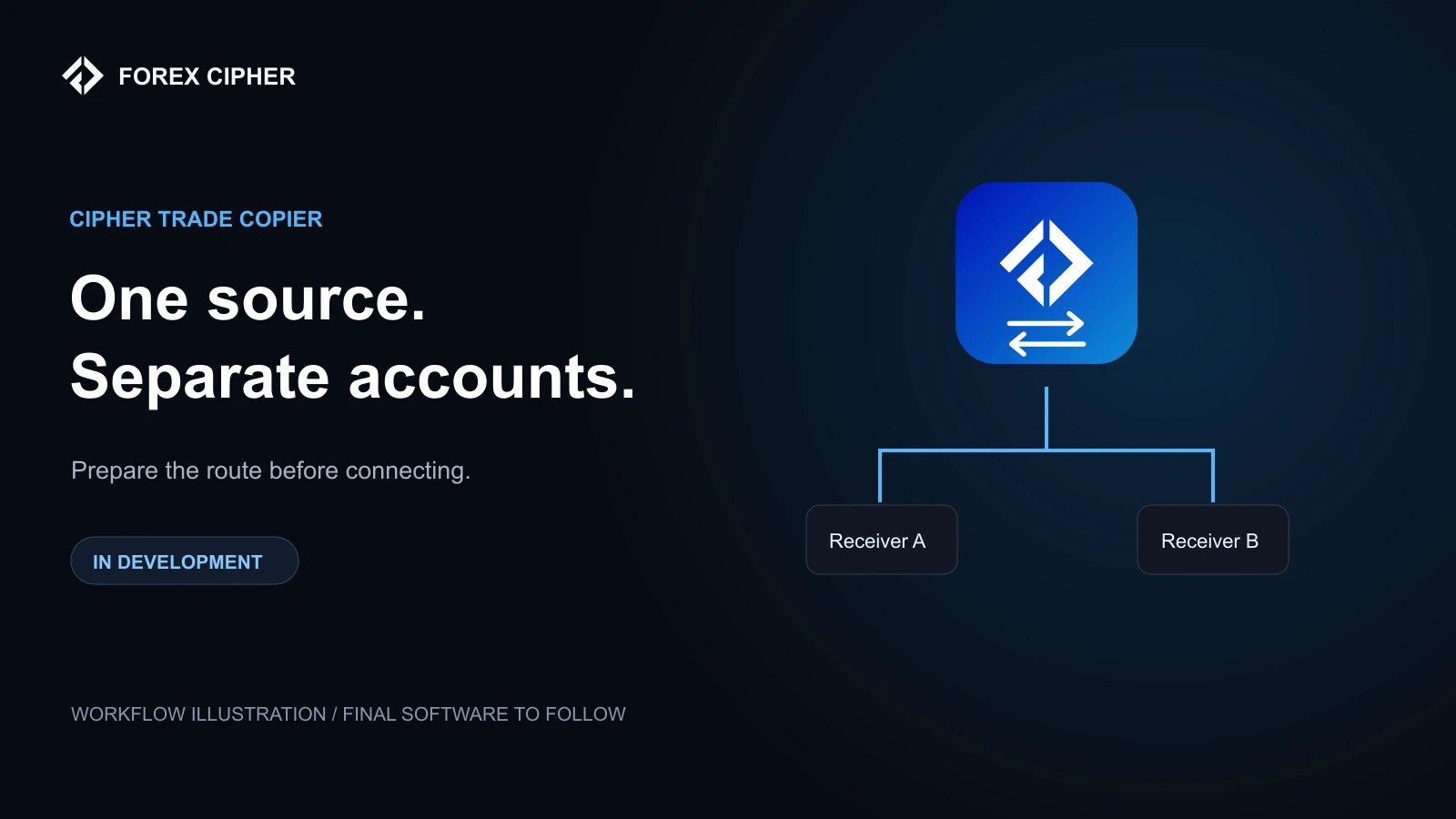
A master account places a trade. A receiver is supposed to follow it. The idea sounds simple until the accounts use different symbol names, contract sizes or execution conditions.
Cipher Trade Copier is being prepared around a master-to-receiver workflow. The final software, supported controls and settings screens are still to be confirmed. This guide explains the account checks to make before connecting a released build; it does not claim that the finished software is already available.
Start with the roles of the accounts
The master is the source of the trading instruction. A receiver is an account configured to follow supported instructions from that source. Neither role tells you whether the underlying trade is suitable or profitable.
A copier and an Expert Advisor also do different jobs. An EA may generate trading decisions from its programmed rules. A copier transfers supported instructions from a source. The planned behavior of one should not be assumed to be included in the other.
Check compatibility before connecting
Confirm the released build's supported platforms, account types, instruments and connection requirements. If your broker adds a suffix to a symbol, check the documented mapping process. Similar-looking symbol names do not prove that the underlying contracts are equivalent.
Check trading hours, minimum volume, volume steps and available margin as well. These details can determine whether a receiver accepts an instruction at all.
Decide how each receiver will size a trade
Matching the master's lot size does not automatically match its account risk. Balances, stop distances and contract specifications can differ. Before enabling a receiver, confirm which sizing methods the released copier actually supports.
The product page describes intended areas such as lot-size methods, account limits and symbol mapping. Treat the delivered documentation as the reference for available controls and exact setting names. Do not assume a risk limit exists merely because you would like the software to enforce it.
Test more than the first copied order
- Connect demo accounts using the supplied instructions.
- Open a supported source trade and compare its symbol, direction and volume with the receiver.
- Check the stop-loss and take-profit handling.
- Test the modifications and closures the build documents as supported.
- Read the instructions for disconnects, restarts and existing open trades.
- Review logs and any broker rejection before sending another instruction.
An offline receiver should never be assumed to replay every missed trade. Confirm that behavior explicitly. Duplicated or delayed instructions are operational questions to resolve during testing, not after moving to live funds.
Why account results can differ
Even when accounts follow the same direction, their fills and outcomes can differ. Spreads, slippage, timing, commissions, margin and broker restrictions all matter. A copied instruction does not guarantee an identical price or an identical account return.
Keep separate records for the master and each receiver. If a trade is missing, investigate the connection, instrument mapping, permissions and broker error rather than assuming that the market itself was the cause.
What to expect next
Actual dashboard images, settings and confirmed compatibility details will be added after the software is ready. The cover for this article is a workflow illustration, not a screenshot of the final application.
See the Cipher Trade Copier product page and setup guide for current information. If your priority is understanding a signal before placing it manually, start with our signal-reading guide.
Risk note: Trade copying carries market and execution risk. A copier does not make an unprofitable strategy profitable or guarantee that receivers reproduce the master's results. This guide is not personal investment advice.